Mobile Browser Access and Prive Casino App Status
Prive Casino UK Guide
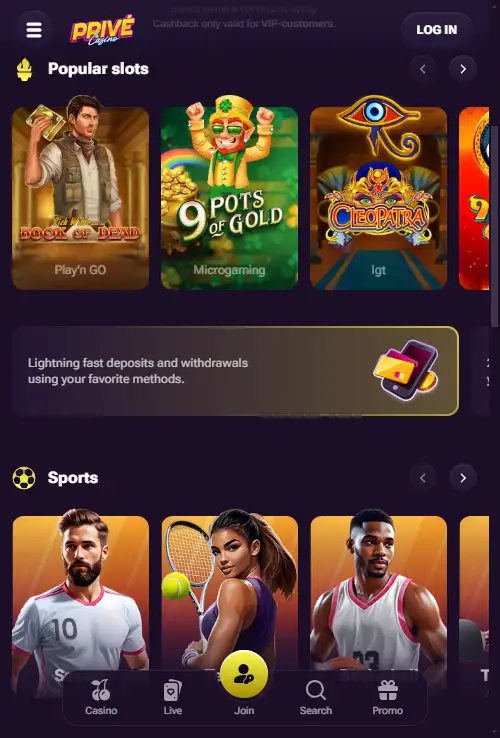
Table of Contents
- Prive Casino Mobile Browser Access and Performance
- Browser first, not app first
- What to check when you first open the mobile site
- Games on a smaller screen
- Payments from mobile
- Mobile security and device habits
- When desktop may still be the better choice
- Browser access is the real mobile proposition
- Mobile questions worth checking on your own device
- Browser choice and everyday performance
- Adding browser access to your home screen
Prive Casino Mobile Browser Access and Performance
Prive Casino is presented as mobile-friendly and can be used through a mobile browser. No dedicated downloadable Prive Casino app has been confirmed, so the browser experience is the dependable mobile route rather than an iPhone or Android download. That is the key mobile answer within the broader Prive Casino UK review for readers deciding whether they need an app before using the service.
A browser-first casino can still cover the tasks that matter on a phone: opening the game lobby, moving between account areas, reaching payments and accessing support. The practical test is not whether an icon exists in an app store, but whether the site remains usable at a smaller screen size and whether the features you need are accessible without switching back to a desktop.
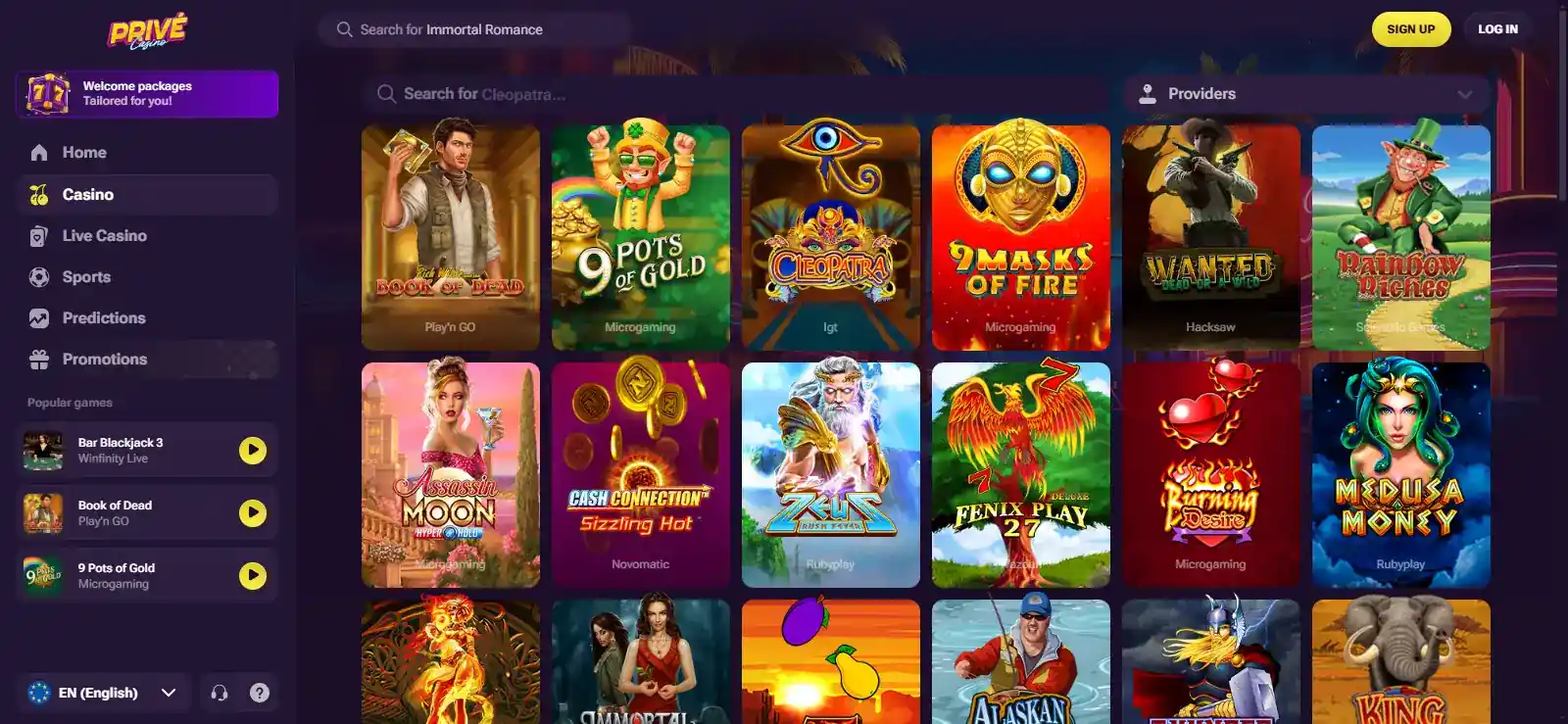
The underlying game offering includes slots, roulette, blackjack, video poker, bingo, jackpots, live casino, keno, crash-style games, live game shows and sports betting. Individual titles can vary, so mobile compatibility should be judged at both platform and game level rather than assuming every desktop title behaves identically on every handset.
Browser first, not app first
The mobile website is the primary access route. That removes the need to install software simply to reach the casino. It also means updates to the website are delivered on the web side rather than requiring the player to manage an app version.
There is an important distinction here. Some third-party pages on the wider web use the word “app” loosely for mobile access, and some publish download instructions. Prive Casino supports mobile-browser access, while a dedicated downloadable app has not been confirmed. For that reason, unverified APK links, App Store instructions and claims about an official native application are not provided.
If Prive Casino later releases a clearly identifiable official app, the mobile position would change. Until an official app is confirmed, the mobile browser remains the dependable access route.
What to check when you first open the mobile site
A useful mobile check takes only a few minutes and should focus on real tasks rather than appearance alone:
- Confirm that login and account controls fit the screen without awkward horizontal scrolling.
- Open the game lobby and test category navigation.
- Launch a game you actually intend to play and check controls in portrait and landscape where relevant.
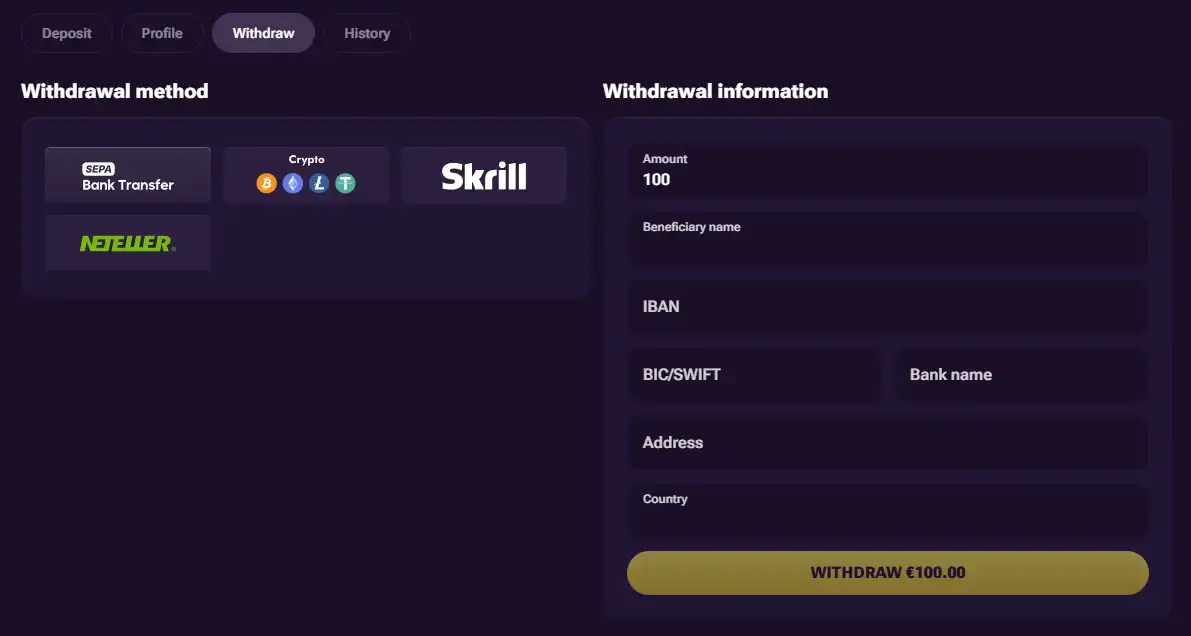
- Open the cashier before depositing so you can see how payment choices are presented on your device.
- Find support from the mobile layout before you need it.
These checks are more informative than a generic statement that a site is “fully optimised”. Mobile quality depends on the interaction you need, the handset, the browser and the game itself. A responsive menu can work well while one embedded game feels cramped, or the reverse.
For a closer look at the catalogue rather than the interface, use the Prive Casino games guide.
Games on a smaller screen
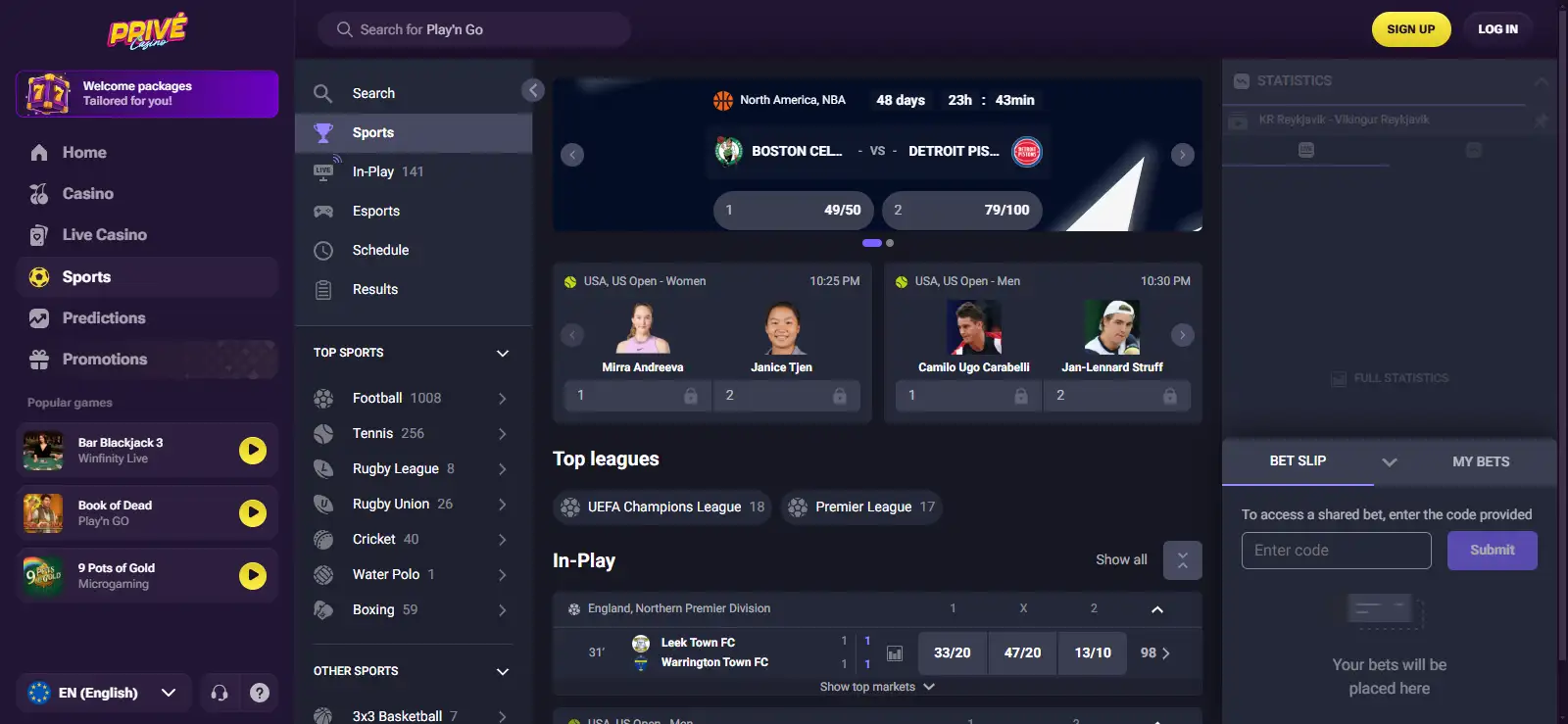
The breadth of categories makes mobile layout important. Slots are often naturally suited to touch screens, while live casino tables and game shows can combine video, betting controls and information panels in a tighter space. Sports betting introduces another navigation pattern again, with markets and live information competing for screen area.
That does not make one category inherently better on mobile. It means the player should test the specific product they care about. A person who mainly uses slots has a different mobile requirement from somebody moving between live tables and sports markets. Treat the catalogue as a set of interfaces rather than one uniform experience.
Network conditions matter too. Streaming-heavy live content can be more sensitive to connection quality than a simple lobby page. If a game is unstable on mobile data, testing the same title on Wi-Fi can help distinguish a connection issue from a site-layout issue.
Payments from mobile
A mobile casino experience is incomplete if the cashier is difficult to use. Before making a deposit, check that the amount field, method selection and any confirmation steps are readable on your device. Payment methods are covered separately in the Prive Casino payments guide rather than duplicated here.
Keep the same account discipline on a phone as on desktop. Use your own payment details, review the amount before confirming, and do not assume that a payment option mentioned in a generic mobile guide will necessarily appear in your cashier. What is displayed for the account is more useful than a static list copied from elsewhere.
If identity verification is requested, switch your attention from convenience to accuracy. Small screens make it easy to miss instructions around document capture or account details. Read the live request carefully before submitting anything.
Mobile security and device habits
Mobile access also changes the practical security environment. Phones are easy to leave unlocked, share, lose or connect to unfamiliar networks. Use a device lock, keep the browser and operating system updated, and avoid saving sensitive credentials on a shared handset.
Be cautious with search results that advertise an APK or an “official” Prive Casino app. Because a dedicated downloadable app has not been confirmed, an unverified download adds risk without adding a necessary capability. Start from the known website route rather than installing a package from a review page or mirror.
When using a public or borrowed device, signing out matters. Browser convenience features can retain sessions or credentials, so check what the device has stored before walking away.
When desktop may still be the better choice
Mobile access is useful for quick sessions and account checks, but desktop can still be more comfortable for tasks that involve dense information. Reading long bonus terms, comparing payment details, reviewing account history or handling a verification request may be easier on a larger display.
There is no need to treat this as an either-or decision. The same account can be approached according to the task: mobile for convenient access, desktop when more screen space reduces mistakes. The best platform is the one that makes the current action easiest to understand.
Browser access is the real mobile proposition
The supported conclusion is straightforward: Prive Casino has a mobile-friendly browser route, while a dedicated downloadable app has not been confirmed. For most readers, that means there is no reason to hunt for an installer before testing the service on a phone.
Open the site in your normal mobile browser, test the lobby and a relevant game, inspect the cashier before paying, and make sure support is easy to reach. If those tasks work cleanly on your own device, the absence of a confirmed native app is mainly a format choice rather than a barrier to mobile access.
Mobile questions worth checking on your own device
Does Prive Casino work on mobile?
Yes. The site supports a mobile-friendly browser experience.
Is there a Prive Casino app?
A dedicated downloadable app has not been confirmed. Use the mobile website rather than relying on unsupported APK or app-store instructions.
Can I play Prive Casino games on a phone?
The platform includes mobile-relevant casino categories, but individual title availability and behaviour can vary. Test the specific game on your device.
Can I use payments on mobile?
The mobile experience should be assessed across the cashier as well as games. Check the live cashier on your account for the methods and steps actually presented.
Browser choice and everyday performance
A mobile-friendly site still depends on the browser doing a fair amount of work. If a page behaves oddly, first try the current version of a mainstream browser and make sure aggressive content blockers or unusual privacy settings are not preventing essential site elements from loading. This is basic troubleshooting, not a sign that one browser is officially preferred by Prive Casino.
Performance should be judged during the actions you actually care about. A homepage can load quickly while a live table takes longer to initialise, and a game lobby can feel responsive while a long account page requires more scrolling. Test more than the first screen before deciding whether the mobile experience suits you.
Battery use and data consumption are also practical considerations for streaming-heavy content. Live dealer video and continuously updating sports markets can use more resources than static account pages. On a limited mobile-data plan, Wi-Fi may be the more sensible choice for longer sessions. This is a device-and-network consideration rather than a Prive-specific limit.
Adding browser access to your home screen
If you want app-like convenience without installing an unverified package, modern mobile browsers commonly allow a website shortcut to be added to the home screen. That shortcut simply opens the web route; it should not be confused with a dedicated native Prive Casino application.
This distinction is useful because search pages often use “app” to describe several different things: a native App Store application, an Android APK, a progressive web app, or merely a mobile website shortcut. Those formats have different security and update models. Mobile-browser access is confirmed, so it is the dependable format to use.
Before saving any shortcut, confirm that you are on the intended Prive Casino web address rather than a lookalike page reached through an advertisement or third-party download site. A shortcut is convenient only if the underlying destination is the one you meant to use.
Whether you use iOS or Android, you can instantly access hundreds of mobile-optimized slots and games directly through your browser.
Experience seamless betting on the go with the best mobile casino platform designed for local players.
Prepared by the Prive Casino editorial staff.